SheetJS Alternatives: When You Need a UI, Not Just a Parser
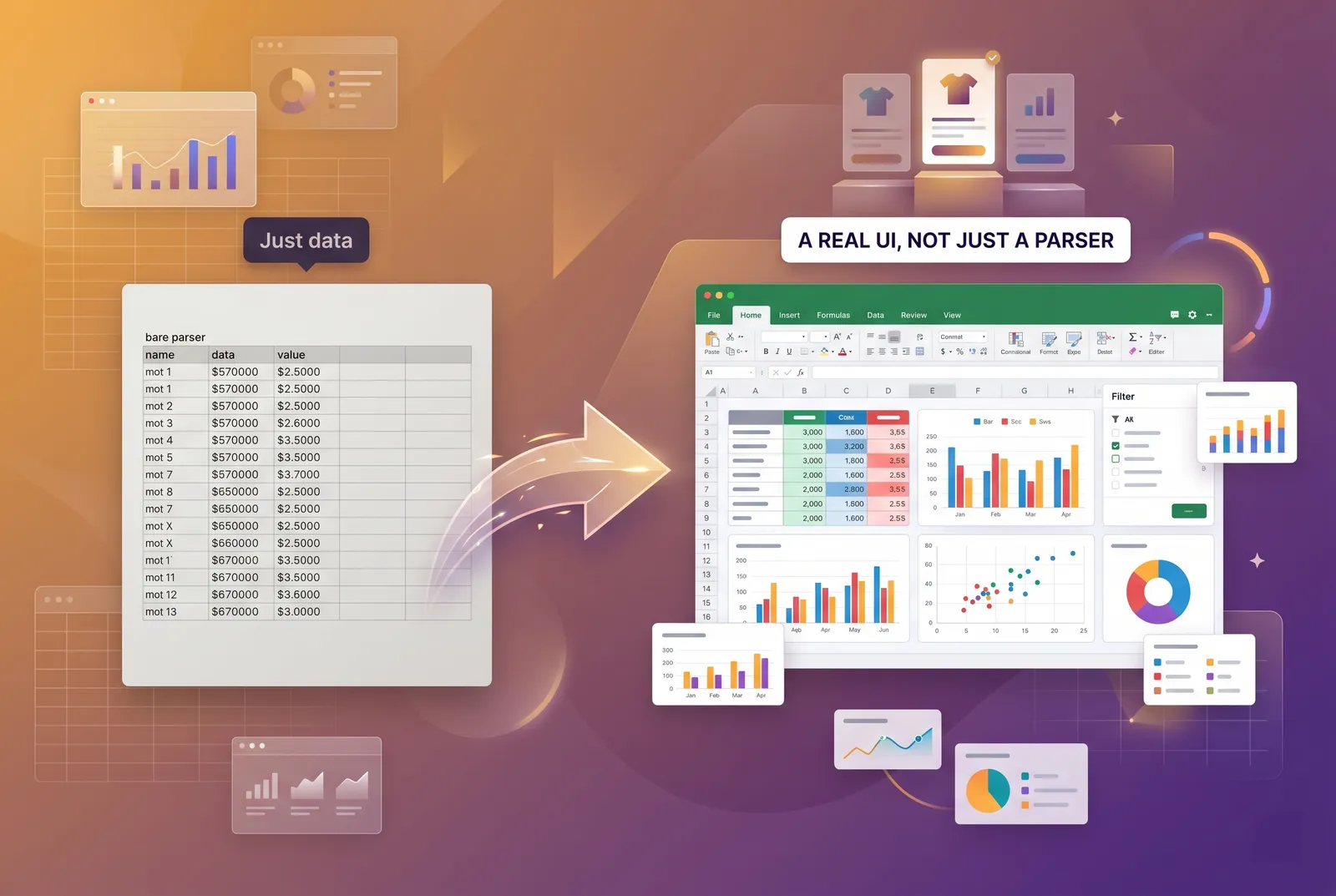
SheetJS (xlsx) is one of the best file toolkits in JavaScript — it reads and writes 20+ spreadsheet formats with a tiny footprint. But it has no UI, no rendered grid, and no built-in formula recalculation. If your real need is letting users see and edit data, you're not looking for a SheetJS replacement at all — you're looking for a spreadsheet component to pair with it or use instead. Here are the honest options for 2026.
If you searched for SheetJS alternatives, there's a good chance you've already hit the wall that sends most teams here: you adopted SheetJS to read and write Excel files on the server, it worked perfectly, and now someone has asked, "can users actually see and edit this data in the app?" That is a different problem than the one SheetJS solves — and the answer is rarely another file library.
This guide clarifies exactly what SheetJS is and isn't, explains the trigger that brings people here, and then fairly compares the libraries that add the missing piece: an editable spreadsheet UI with a live calculation engine.
What is SheetJS, and what is it not?
SheetJS — the npm package is `xlsx` — is a file toolkit. Its job is parsing and writing spreadsheet formats, and it does that exceptionally well: XLSX, XLS, CSV, ODS, and more than 20 formats in total, in Node and the browser, with a small footprint. The Community build is open source under Apache-2.0; a paid Pro tier adds extras such as additional format support and styling helpers.
What it is not is just as important to understand before you go shopping:
- No UI — SheetJS gives you data structures, not a screen. There is nothing for a user to click.
- No rendered grid — it does not paint cells, handle selection, in-cell editing, or scrolling.
- No formula recalculation — it reads and writes formula text but does not recalculate the values for you.
The trigger: "we use SheetJS but now need users to edit the data"
Almost everyone arrives at the same crossroads. The import/export pipeline is solid, but the product now needs an interactive grid — users want to view a sheet, fix values inline, add a formula, and save. SheetJS can still parse the upload and serialize the download, but it was never meant to render or edit. You don't need to replace it; you need to add a UI layer on top of (or instead of) it.
SheetJS reads and writes the file. The thing your users click is a separate product — a spreadsheet component. Choosing one is the actual decision in front of you.
Which SheetJS alternatives add a UI and an engine?
Here are the four libraries teams most often evaluate when they need the interactive layer SheetJS doesn't provide. Each has a genuinely different sweet spot.
WorksheetJS
WorksheetJS is a full spreadsheet component: a canvas-rendered grid plus a built-in calculation engine with 550+ live, Excel-compatible formulas, an AI copilot, and full-fidelity XLSX, CSV, and JSON import/export. It is the closest single drop-in to "give my users a real spreadsheet," and it covers both the UI and the recalculation that SheetJS Community leaves out. Pricing is approachable for product teams — a free developer tier, then $14.99/month. Best fit: SaaS and app teams who want one component that handles rendering, formulas, and file I/O together.
SpreadJS
SpreadJS is an enterprise spreadsheet SDK with deep Excel compatibility, extensive APIs, and long-standing support. It's powerful and battle-tested for large organizations with complex requirements. The trade-off is cost and weight: it's a paid per-developer (perpetual) license, which suits enterprises but is steep for smaller teams. Best fit: enterprises needing maximum Excel parity and a vendor with formal support contracts.
Handsontable
Handsontable is a popular data grid with a spreadsheet-like editing experience; formula support comes via its sibling project HyperFormula. It's a strong choice when your primary need is an editable data grid rather than a full workbook. Note the licensing: it's free for non-commercial use only, with a paid per-developer annual commercial license. Best fit: teams that want a refined editable grid and are comfortable with the per-seat commercial license.
Jspreadsheet
Jspreadsheet offers a lightweight, embeddable spreadsheet with a free Community Edition (CE) and a paid Pro tier (team licensing). It's a pragmatic option when you want something quick and small with an upgrade path for advanced features. Best fit: projects that want a compact grid, can start on CE, and may grow into Pro features later.
How do the SheetJS alternatives compare?
| Library | Has UI? | Live formulas | Best for |
|---|---|---|---|
| SheetJS (xlsx) | No | No (text only) | Headless / server-side file read & write |
| WorksheetJS | Yes | Yes (550+ built in) | Full editable spreadsheet, UI + engine + I/O |
| SpreadJS | Yes | Yes | Enterprise Excel parity with formal support |
| Handsontable | Yes (grid) | Via HyperFormula | Editable data grid, per-seat commercial use |
| Jspreadsheet | Yes | Yes | Lightweight embed, free CE with Pro upgrade |
When is SheetJS still the right tool?
Don't move off SheetJS for the wrong reason. If your workload is genuinely headless — generating reports on a server, converting between formats in a batch job, parsing uploads into JSON, or writing exports with no user-facing grid — SheetJS remains an excellent, lightweight choice, and the Community build is free under Apache-2.0. The only reason to add or switch to a UI library is that you now have a user who needs to see and edit cells.
And because SheetJS is headless, it composes cleanly. You can keep it for the formats only it handles and feed parsed data into a spreadsheet component for display and editing — getting the best of both rather than ripping anything out.
Conclusion
"SheetJS alternative" is usually the wrong framing. SheetJS is a file toolkit, and it's one of the best. If you need users to view and edit data, you need a spreadsheet UI with a live engine — and WorksheetJS, SpreadJS, Handsontable, and Jspreadsheet each fill that gap at a different price and scope. Match the tool to whether your real requirement is files, an interface, or both.