Why Your SaaS Needs a Native Spreadsheet (Build vs. Buy)

Almost every B2B SaaS eventually hits the same wall: users export to Excel, do the real work there, and re-import. A native, embedded spreadsheet closes that loop — keeping users (and their data) inside your product. The only real question is build vs. buy, and the math usually favors buy.
Watch how people actually use B2B software and you'll see the same pattern everywhere: they export a CSV, open Excel, do the analysis or bulk-edit there, then paste the result back. Every one of those round-trips is a moment your product lost the user — and a chance for a competitor with a better in-app experience to win them.
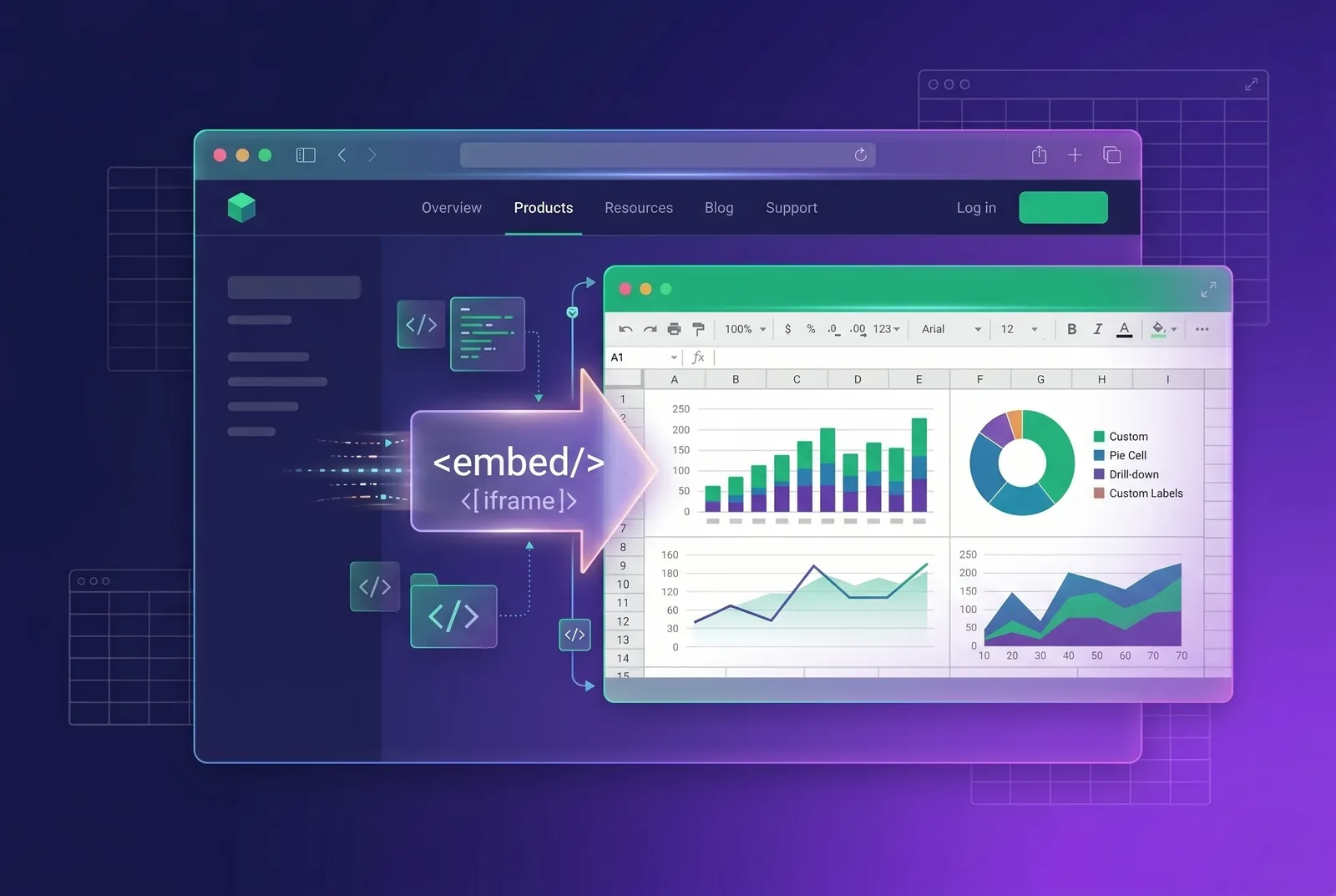
A native spreadsheet — a real, editable grid with formulas living inside your app — closes that loop. This article makes the business case, breaks down what building one actually costs, and gives you a framework for deciding build vs. buy.
Why do B2B users expect a spreadsheet?
The spreadsheet is the most widely understood data tool on earth. Hundreds of millions of knowledge workers open one every day, which means it is the rare interface that needs no onboarding. When your product offers a grid, you are not teaching a new tool — you are meeting users in one they already mastered years ago. That familiarity is exactly why so much real work leaks out of purpose-built SaaS and into Excel.
- It's one of the most familiar data interfaces there is — almost no learning curve.
- Bulk edits, quick math, and ad-hoc analysis are faster in a grid than in forms.
- It keeps data (and trust) inside your product instead of in a stray .xlsx on someone's laptop.
- It unlocks workflows you can't justify building as bespoke UI — budgeting, planning, data cleanup, reporting.
What are the signs you need a native spreadsheet?
You don't need a grid in every product. But a few signals reliably mean your users are already living in one — just not inside your app. If two or more of these are true, a native spreadsheet will pay for itself in retention alone:
- Your CSV/Excel export is one of your most-used features — people leave to do the real work.
- Support tickets ask for bulk editing, formulas, or 'a way to see everything at once'.
- Customers maintain a parallel spreadsheet that mirrors your product's data.
- Onboarding includes 'import your spreadsheet', but there's no spreadsheet to come back to.
- Power users request pivots, what-if modeling, or custom calculated columns.
What does it really cost to build a spreadsheet in-house?
On a whiteboard, 'an editable grid' looks like a sprint. In production it's a multi-quarter commitment, because a spreadsheet is really four hard products stacked together. Each one looks tractable until you hit the edge cases that users consider table stakes.
1. The rendering layer
A naive DOM table creates an element per cell and falls over at a few thousand rows. To stay smooth you need row/column virtualization or, beyond ~100k cells, canvas rendering with your own hit-testing, selection model, and scroll synchronization. This is weeks of work before a single formula exists, and it's the layer you'll keep tuning forever as datasets grow.
2. The formula engine
This is where teams underestimate the most. A real engine needs a parser, hundreds of Excel-compatible functions, a dependency graph so edits recalculate in the right order, circular-reference detection, and correct handling of types, errors, and ranges. Matching Excel's behavior on dates, text coercion, and floating-point quirks is a long tail that never fully ends.
3. Clipboard and file interop
Users expect to copy a block from Excel and paste it in — with formats, formulas, and merged cells intact — and to import/export XLSX without losing fidelity. The OOXML format is large and quirky; round-tripping styles, number formats, and formulas correctly is a project in itself.
4. The long tail
Undo/redo across every operation, frozen panes, merged cells, conditional formatting, data validation, keyboard parity with Excel, and accessibility for screen readers. None of these are optional to users, and each is a quiet sink of engineering time and ongoing bug surface.
What's the case for buying a spreadsheet SDK?
A spreadsheet SDK ships all four layers as one component you embed. You trade a license fee for the engineering quarters you'd otherwise spend — and you get features (AI assistance, charts, pivots) that you'd never prioritize building from scratch. The license is almost always cheaper than the fully-loaded cost of the team-quarters it replaces, before you even count opportunity cost.
| Factor | Build in-house | Buy an SDK |
|---|---|---|
| Time to ship | Quarters | Days |
| Formula engine | You build + maintain | Included (550+ functions) |
| Large-dataset performance | Your problem | Canvas rendering included |
| Excel import/export fidelity | Hard; ongoing | Built in |
| Ongoing maintenance | Forever, your team | Vendor's team |
| AI features | Unlikely to prioritize | Available out of the box |
Build the thing that makes your product unique. Buy the spreadsheet — it's table stakes your users expect, not a differentiator you should fund from scratch.
How do you evaluate a spreadsheet SDK?
Not all spreadsheet components are equal. Once you've decided to buy, score candidates on the criteria that actually bite later:
- Formula coverage: how many Excel functions, and is recalculation dependency-aware?
- Performance model: DOM or canvas? What's the realistic row ceiling before scroll stutters?
- Framework fit: first-class React/Vue/Angular support, or a wrapper you'll fight?
- File interop: XLSX/CSV import-export fidelity, clipboard parity with Excel.
- Licensing: per-domain vs per-seat, and whether the cost scales with your tenants.
- Extensibility: a plugin/API surface so you can add custom logic without forking.
- Data privacy: does it run fully client-side, and where does any AI feature send data?
When is building it in-house the right call?
Buy isn't always right. Build it yourself if a spreadsheet is genuinely your core product (you're selling the grid itself), if your needs are truly minimal (a small editable table, no formulas), or if you have hard constraints no vendor can meet. For everyone else embedding a spreadsheet into a broader product, buy wins on time-to-value.
Conclusion
Your users already do their real work in spreadsheets. Meeting them where they are — inside your product — improves retention, unlocks new workflows, and stops the slow leak to Excel. The build-vs-buy math almost always favors buy, because the spreadsheet is the means, not the product.