The diagramming engine for the web
A zero-dependency, Canvas2D editor for flowcharts, org charts, mind maps, BPMN, UML, ER and network diagrams — a draw.io-style canvas with a fully typed API.
Included free on every WorksheetJS plan. See pricing →
Try it in your browser
The real engine, running entirely client-side. Pick a template and start editing — drag shapes, draw connectors, switch themes and export.
This is the real @worksheet-js/draw engine running in your browser — drag shapes, draw connectors, switch templates, and export. Nothing is sent to a server.
Everything you need to embed an editor
A complete diagram editor — and nothing you don't need.
Zero dependencies
Renders to a single canvas and ships its own UI chrome. No React, no SVG library, nothing else.
100+ shapes, 10 libraries
Flowchart, BPMN, UML, ER, network, UI-mockup, infographic and infrastructure shapes — all built in.
Smart connectors
Straight, curved and orthogonal (obstacle-avoiding) edges with floating perimeter anchors and arrowheads.
Automatic layouts
Tree, radial and force-directed layouts arrange your nodes in one call — no manual nudging.
draw.io round-trip
Import and export native draw.io XML, so diagrams move in and out of your existing toolchain.
Export anywhere
Ship diagrams as SVG, PNG or PDF, or serialize to JSON for storage and programmatic editing.
Presentation mode
Hide the chrome and step through shapes with fit-to-shape zoom — a slideshow built from your canvas.
Collaboration ready
On-canvas comment threads with replies and resolve, layers, undo/redo history and a live minimap.
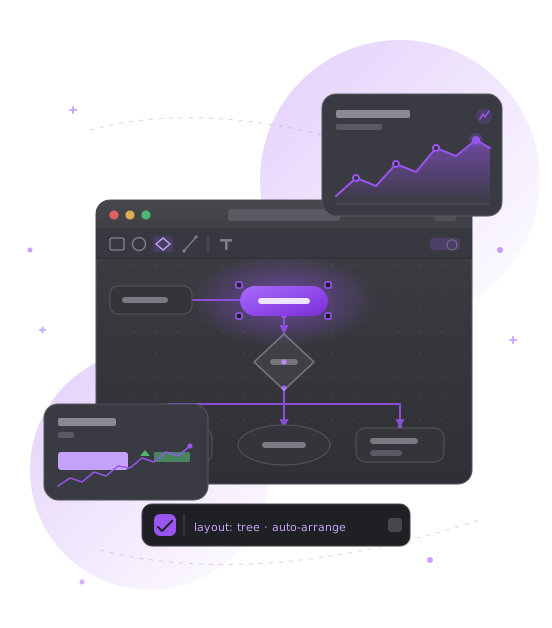
From idea to shareable diagram
Auto-arrange a sketch, start from a template, then export to wherever your team works — no plumbing required.
- Tree, radial & force layouts
- 7 ready-made templates
- draw.io XML import & export
- SVG, PNG & PDF export
- Light & dark themes
- Layers with lock & visibility
- Undo / redo history
- Minimap & presentation mode