WorksheetJS vs AG Grid vs Handsontable (2026)

WorksheetJS, AG Grid, and Handsontable get compared constantly, but they aren't the same kind of tool. WorksheetJS is a full spreadsheet engine; AG Grid and Handsontable are data grids. That single distinction drives everything else — formulas, charts, pivots, Excel I/O, and price. This guide lays out the honest trade-offs and tells you when to reach for each.
These three names show up together in almost every shortlist for adding tabular data to a web app — but they answer different questions. Picking the wrong category costs you months, so it's worth being precise about what each one actually is before comparing features.
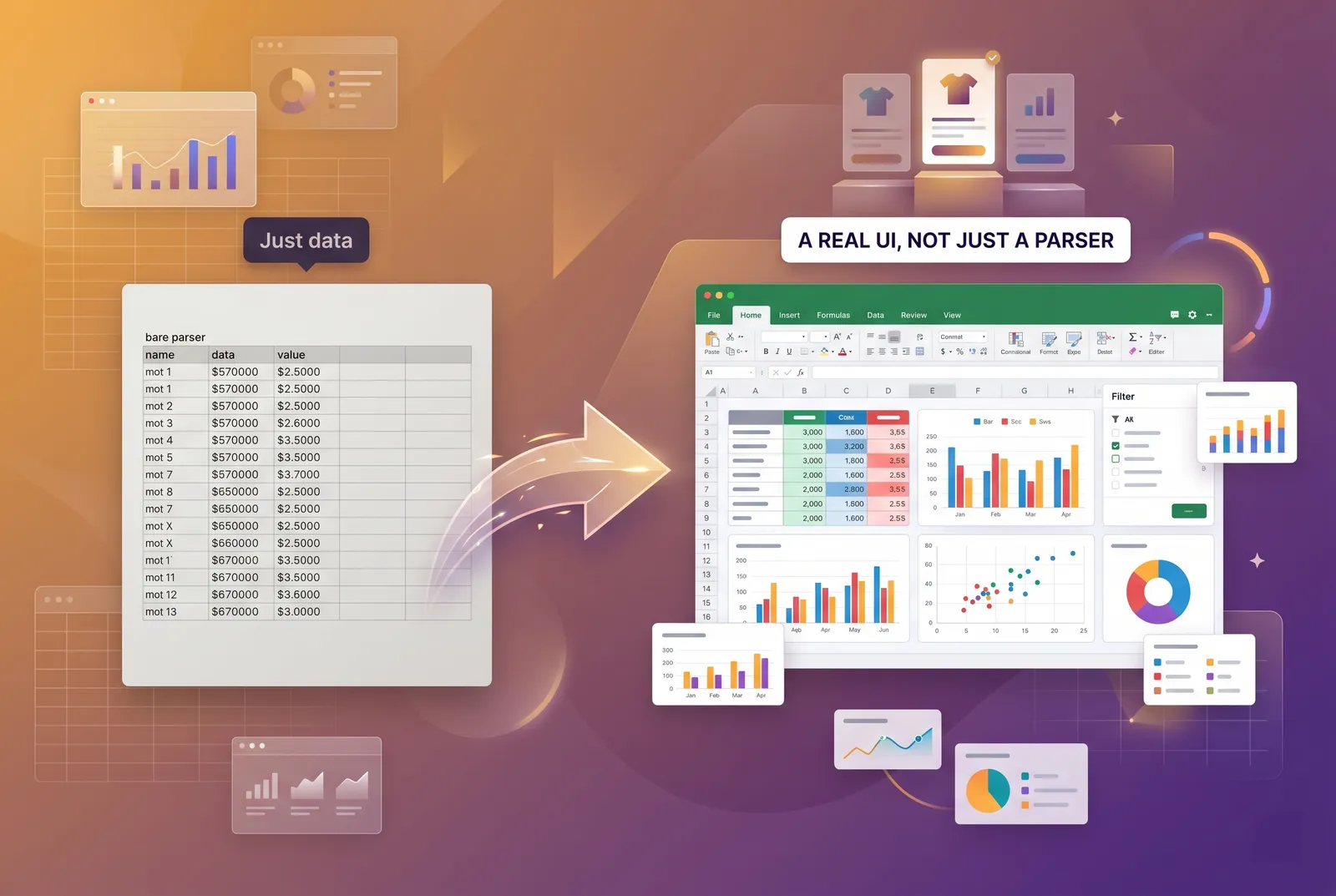
The short version: WorksheetJS is a spreadsheet engine, while AG Grid and Handsontable are data grids. A data grid is a fast, editable table built to display and manipulate rows of records. A spreadsheet engine is a calculation environment — cells, formulas, dependency-aware recalculation, charts, and pivots — that happens to look like a grid. Both are excellent; they're just built for different jobs.
Which category does each tool fit?
AG Grid — the best data grid
AG Grid is, by reputation and by engineering, the strongest general-purpose data grid in the JavaScript ecosystem. Its virtualization is best-in-class: it handles enormous datasets, server-side row models, grouping, aggregation, and complex column setups with ease. The Community edition is MIT-licensed and genuinely capable. If your problem is 'display and wrangle a lot of structured records,' AG Grid is hard to beat.
What it is not is a spreadsheet. AG Grid has no native spreadsheet formula engine — there's no cell-references-and-recalc layer in the box. Charts are handled by a separate product, AG Charts. You can build spreadsheet-like UX on top of it, but you're building it.
Handsontable — mature and well-documented
Handsontable has been around for years and it shows: the documentation is thorough, the API is stable, and the component gives you a familiar, spreadsheet-style editing feel out of the box. It's a data grid with a spreadsheet personality, and for many CRUD-heavy interfaces that's exactly right.
Formulas in Handsontable come via HyperFormula, a separate add-on you wire in. That's a capable engine, but it's an integration rather than a built-in experience, and licensing for the two pieces is something to plan for. Handsontable is also DOM-based, which keeps it flexible but sets a practical ceiling on raw row count compared with canvas rendering.
WorksheetJS — a full spreadsheet engine
WorksheetJS ships the spreadsheet as one component: 550+ Excel-compatible formulas with dependency-aware recalculation, charts and pivot tables, canvas rendering that stays smooth past 100k rows, native XLSX/CSV/JSON import-export, and a 15-module AI copilot — all without bolting on a separate calc library or chart package. It runs in React, Vue, Angular, Svelte, and plain JavaScript.
How do WorksheetJS, AG Grid, and Handsontable compare?
| WorksheetJS | AG Grid | Handsontable | |
|---|---|---|---|
| Product type | Spreadsheet engine | Data grid | Data grid (spreadsheet feel) |
| Formulas | 550+ built in | None native | Via HyperFormula add-on |
| AI copilot | 15-module, built in | No | No |
| Charts | Built in | Separate (AG Charts) | Not native |
| Pivots | Built in | Enterprise | Not native |
| Rendering | Canvas (100k+ rows) | Virtualized DOM (best-in-class) | DOM-based |
| XLSX I/O | Native XLSX/CSV/JSON | CSV/Excel export; import DIY | Export; import DIY |
| Free tier | Free developer tier | Community (MIT) | Non-commercial only |
| Paid plans | From $14.99/mo (subscription) | Enterprise (perpetual, per-seat) | Commercial (annual, per-seat) |
A note on reading that table fairly: AG Grid's 'None native' for formulas is not a weakness — it's a scope decision. A data grid that tried to be a spreadsheet would be worse at being a data grid. Likewise, Handsontable's HyperFormula route is a legitimate, well-supported path; it's just two products instead of one.
Which has the best formula support?
This is the cleanest dividing line. WorksheetJS treats formulas as a first-class feature: SUM, VLOOKUP, INDEX/MATCH, IF, and hundreds more recalculate as dependencies change, exactly as users expect from Excel. Handsontable reaches similar territory through HyperFormula. AG Grid leaves calculation to you — its value-getters and aggregations are powerful for grids, but they are not a spreadsheet formula language.
How do they compare on performance?
All three are fast, but they get there differently. AG Grid's virtualized DOM is the benchmark for large record sets and server-side data. WorksheetJS renders to canvas, which sidesteps per-cell DOM overhead and keeps spreadsheet-style scrolling and editing smooth past 100k rows. Handsontable is DOM-based — flexible and easy to style, with a lower practical ceiling on row count.
Match the rendering model to the workload: virtualized DOM for huge record grids, canvas for spreadsheet-style scrolling and live recalculation.
Which supports charts, pivots, and Excel I/O?
WorksheetJS includes charts and pivot tables and reads/writes XLSX, CSV, and JSON natively, so a round-trip to Excel preserves structure without extra glue. AG Grid offers pivoting in its Enterprise tier and pairs with AG Charts as a separate product; Excel export is built in, but rich import is something you assemble. Handsontable covers export well and supports import with additional work, and charts aren't a native feature. If file fidelity with Excel is central to your product, the engine approach removes the most integration code.
How does the pricing compare?
- WorksheetJS — free developer tier, then $14.99/mo Starter, $125/mo Pro, and custom Enterprise.
- AG Grid — Community edition is free and MIT-licensed; Enterprise is a paid perpetual license sold per developer.
- Handsontable — free for non-commercial use only; commercial use needs a paid per-developer annual license, with HyperFormula licensed alongside it.
When should you pick each one?
| If you need… | Pick |
|---|---|
| Spreadsheet formulas, charts, pivots, Excel I/O in one component | WorksheetJS |
| A spreadsheet-like UI with an AI copilot, minimal assembly | WorksheetJS |
| The strongest large-scale data grid with server-side rows | AG Grid |
| A free, MIT-licensed grid for display and editing | AG Grid Community |
| A mature, well-documented grid with a spreadsheet feel | Handsontable |
Reach for AG Grid when the job is rendering and manipulating large volumes of records and you don't need a calculation layer — it's the best in that category. Reach for Handsontable when you want a stable, well-documented grid with spreadsheet ergonomics and are comfortable adding HyperFormula for math. Reach for WorksheetJS when 'spreadsheet' is the actual requirement — formulas, charts, pivots, and Excel fidelity — and you'd rather embed one component than integrate several.
Conclusion
There's no single winner here, only a right fit. AG Grid and Handsontable are excellent data grids, and if your needs stop at displaying and editing records, either will serve you well. But if your users expect to write formulas, build charts, pivot data, and move files in and out of Excel, that's a spreadsheet — and a purpose-built engine like WorksheetJS will save you the most time and the most maintenance.